

What do you need to do?
Find help with billing, kitchen tickets and delivery orders. Search in English or Hinglish.
Help during a shift
- The bill printed, but the kitchen ticket didn'tPOS Billing · Check the KOT printer
- Close the day and match paymentsPOS Billing · Cash and UPI
- Connect a kitchen or billing printerHardware · LAN printer setup on Windows
- Bring delivery orders into POSOnline Orders · Zomato and Swiggy
- Change what appears on the billing screenPOS Billing · Display settings
Find your work area
- OperationsRun the outlet day to day
- MarketingBring customers back
- PurchaseBuy stock at the right price
- FinanceMatch every payment to its order
More from Petpooja

Franchise Conclave
Food and beverage brands meet franchise investors.
See Franchise Conclave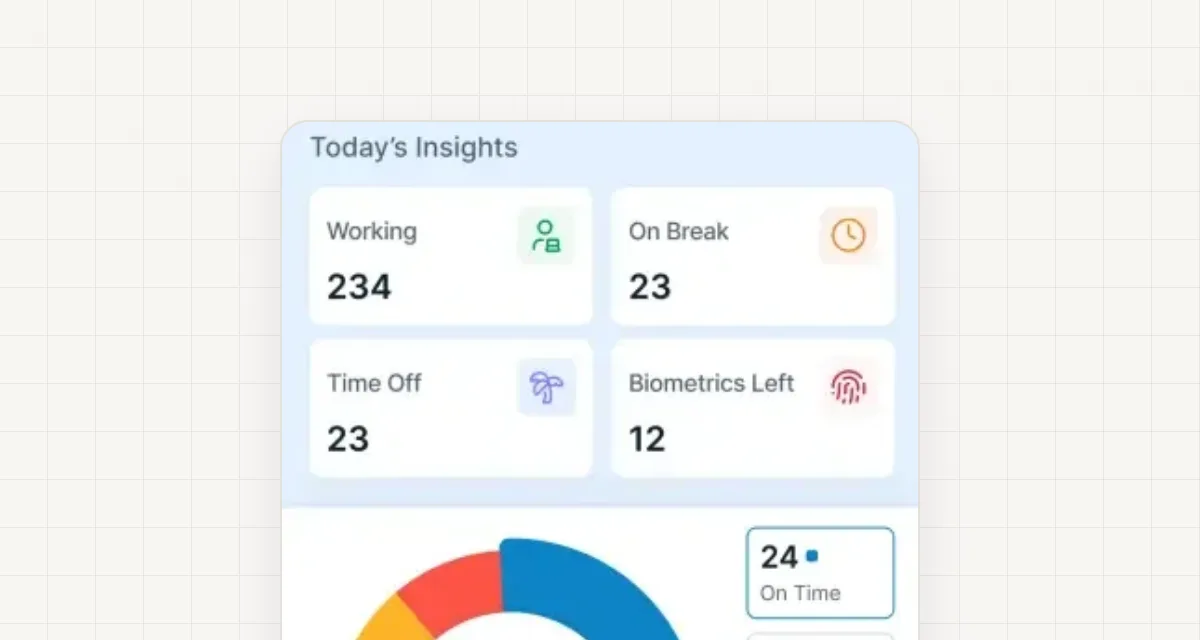
Attendo
Know exactly what your staff costs, every day, right beside your billing sales.
See Attendo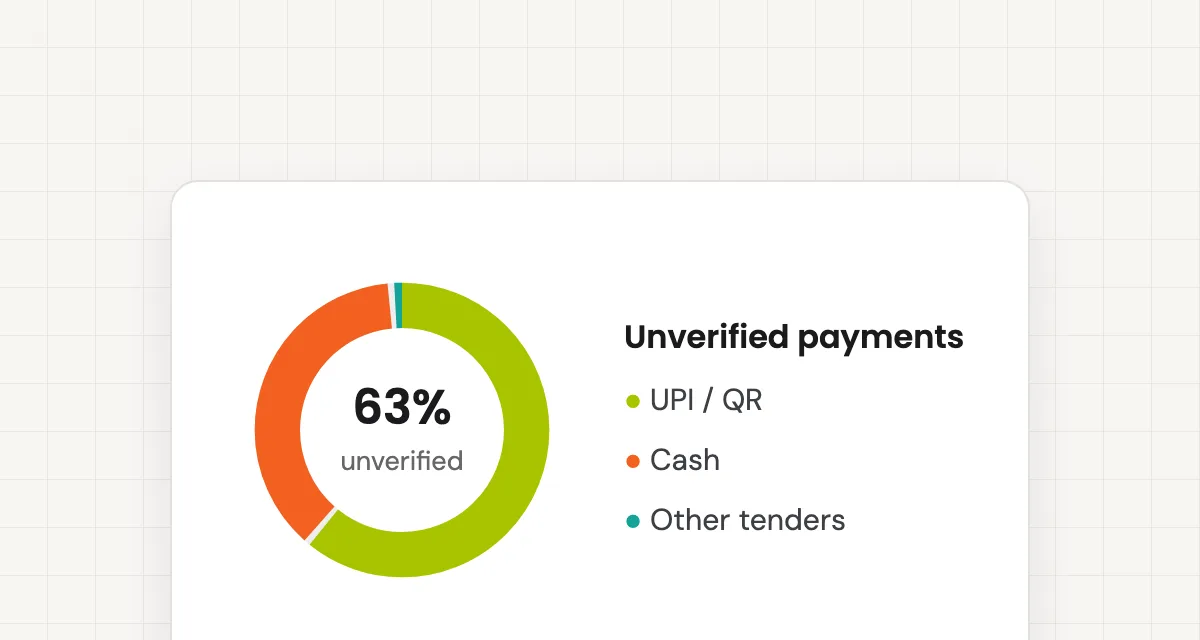
Risk Radar
Spot unverified payments and bill changes that cost you money.
See Risk Radar
Petpooja Invoice
Scan supplier invoices and add purchases to your inventory without typing them in.
See Petpooja Invoice
What's new
3 Nov 2026Print Without Installing a Printer Driver
All updatesThis help center is general guidance. What you see in your account may differ by plan, POS type, country, version or settings, and screenshots and examples are for illustration only. Petpooja decides what its products include and may change features and this content at any time without notice. Nothing here is a promise or part of any agreement; your agreement with Petpooja and its terms govern. Petpooja is not responsible for decisions made only on the basis of this content.